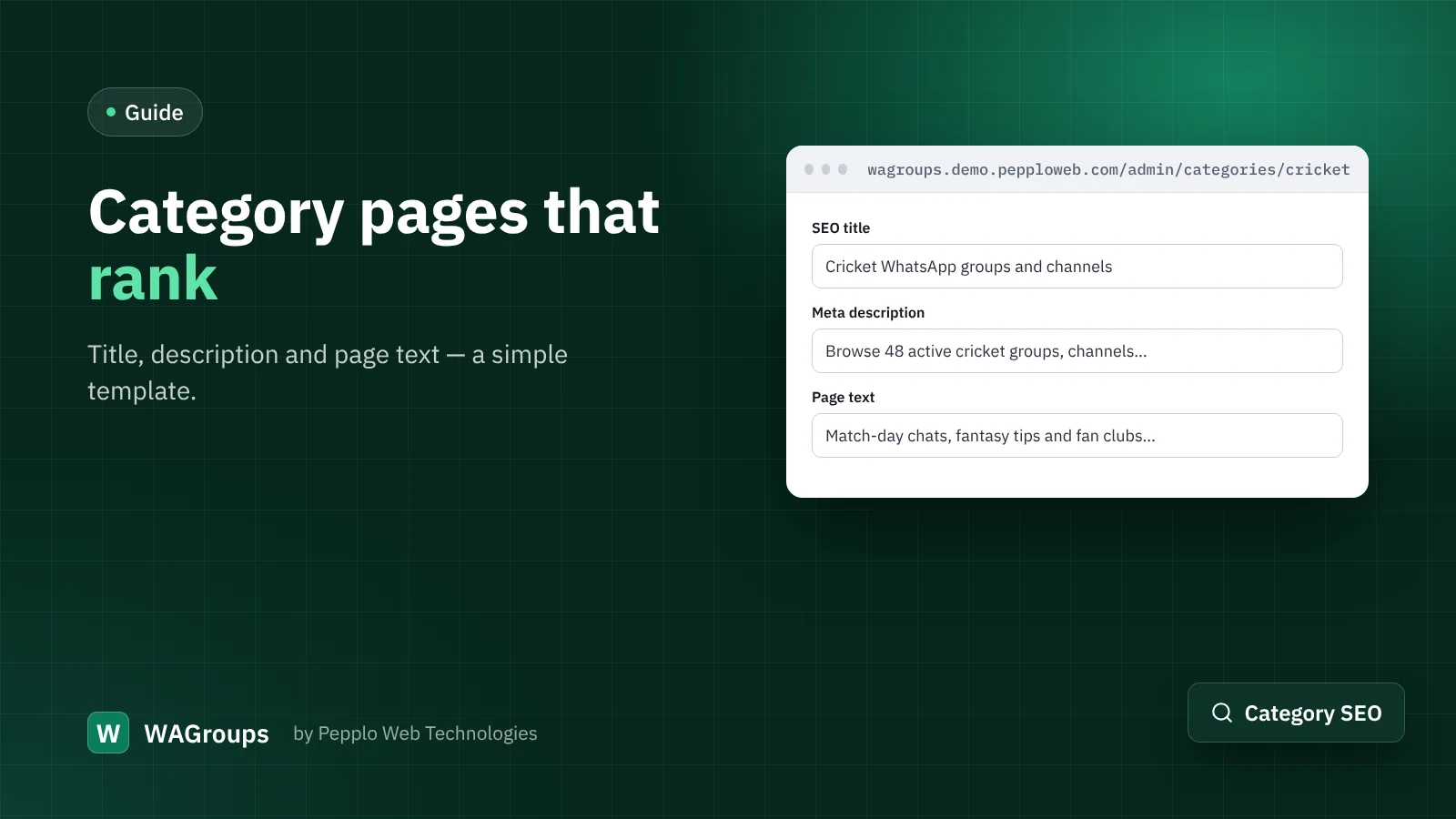
Most people do not search for one specific group. They search for "cricket WhatsApp groups", "job alert channels" or "study groups for NEET". In WAGroups, the page that answers those searches is the category page. A few minutes of writing per category can double its traffic.
The three fields that matter
Open Admin › Categories and edit a category. You will find:
- SEO title — what appears as the blue link in search results.
- Meta description — the grey text under it.
- Page text — shown on the category page above or below the links.
A template that works
Title: [Topic] WhatsApp groups and channels — join active [topic] chats
Description: Browse [number]+ active [topic] groups, channels and communities. Checked links, member counts and ratings. Add your own group for free.
Page text (80–150 words): who these groups are for, what members talk about, two or three safety tips, and an invitation to submit a group.
Write for people first
Search engines reward pages that help. Mention what makes a good group in this topic, link to two related categories, and answer one common question. Do not stuff the same phrase into every sentence.
Keep the page alive
- Run the Link Health Checker so expired invites disappear.
- Feature two or three high-quality groups so the top of the page always looks good.
- Use sub-categories when a category passes about 100 links, for example "Cricket › IPL" and "Cricket › Fantasy".
Country and language pages work the same way. "WhatsApp groups in Kenya" or "Tamil WhatsApp groups" are real searches, and WAGroups already has a page for each.
0 comments