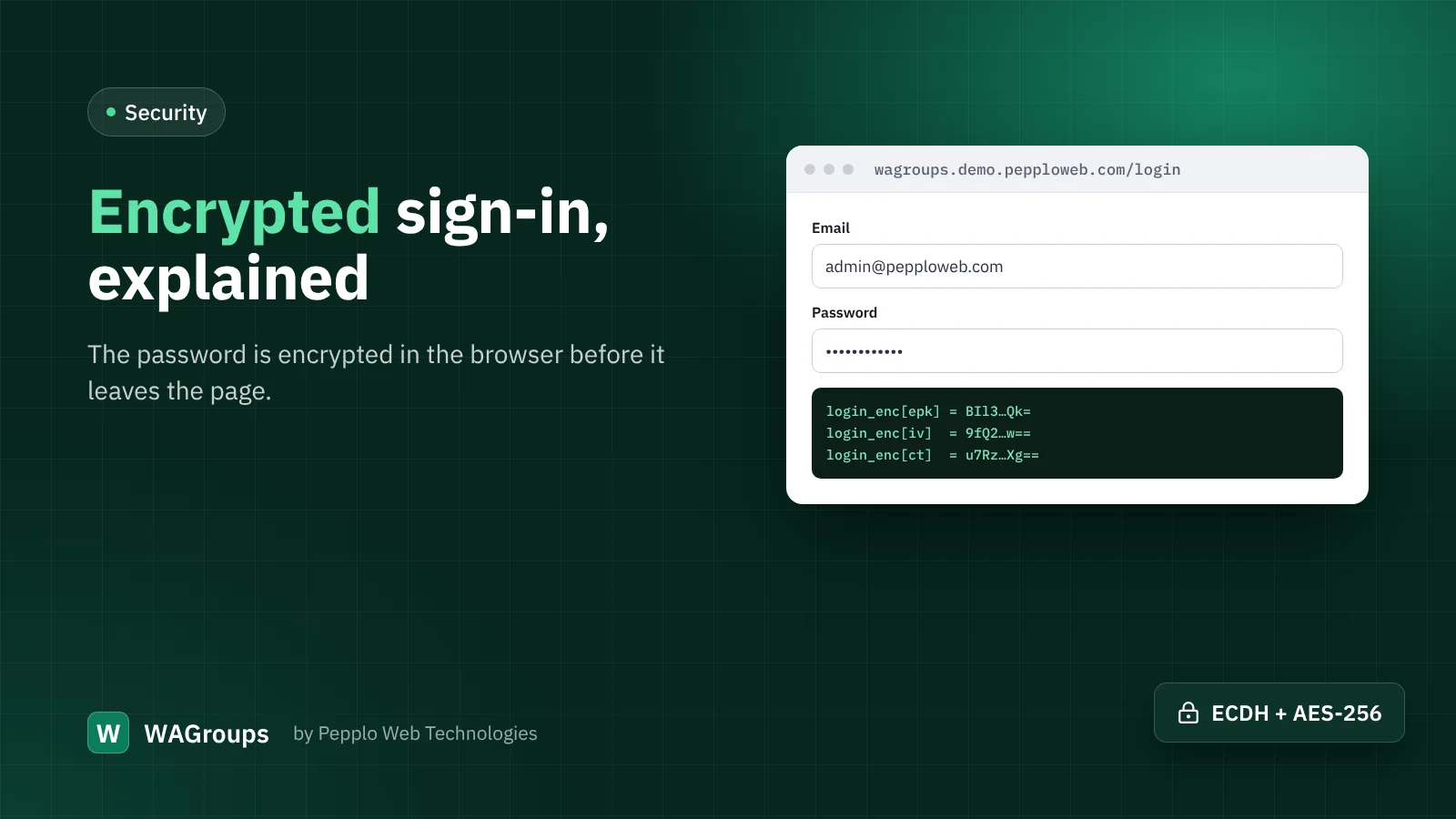
HTTPS already encrypts everything between a visitor's browser and your server. So why does WAGroups 2.2 encrypt the password once more before the sign-in form is sent? Because the request does not always end where you think it does.
Where passwords can leak
Between the browser and your PHP code there can be a CDN, a load balancer, a security proxy or a hosting firewall. Some of these decrypt HTTPS to inspect traffic, and some write request bodies to logs when something goes wrong. A password that is sent as plain text inside HTTPS is plain text again at each of those points. Encrypting it in the browser means it only becomes readable inside WAGroups itself.
What happens when someone signs in
- When the sign-in button is pressed, the page asks your site for a fresh public key. A new key pair is made for every attempt and expires quickly.
- The browser creates its own one-time key and agrees on a shared secret with the server using elliptic-curve Diffie-Hellman (P-256).
- The password is encrypted with AES-256-GCM using that secret, and only the encrypted value is sent.
- WAGroups decrypts it, checks the password as usual, and throws the keys away.
All of this uses the Web Crypto API built into modern browsers, so there is no extra library to load and no noticeable delay.
What if a browser cannot do it?
Web Crypto needs a secure page (HTTPS or localhost) and a reasonably modern browser. If either is missing, the form simply sends the password the normal way. Visitors never see an error, and you never lock anyone out.
Do I need to change anything?
No. The feature is on by default after you update. You can switch it off under Security and access › Hardening › Encrypt the password at sign-in, for example while debugging a custom sign-in form, but we recommend leaving it on.
It adds to HTTPS, it does not replace it
Encrypted sign-in protects the password on its way to your server. HTTPS still protects everything else: cookies, the pages themselves and every other form. Keep a valid SSL certificate, switch on Force HTTPS, and combine both with two-step verification for admin and staff accounts. Together they make account takeover very hard.


0 comments