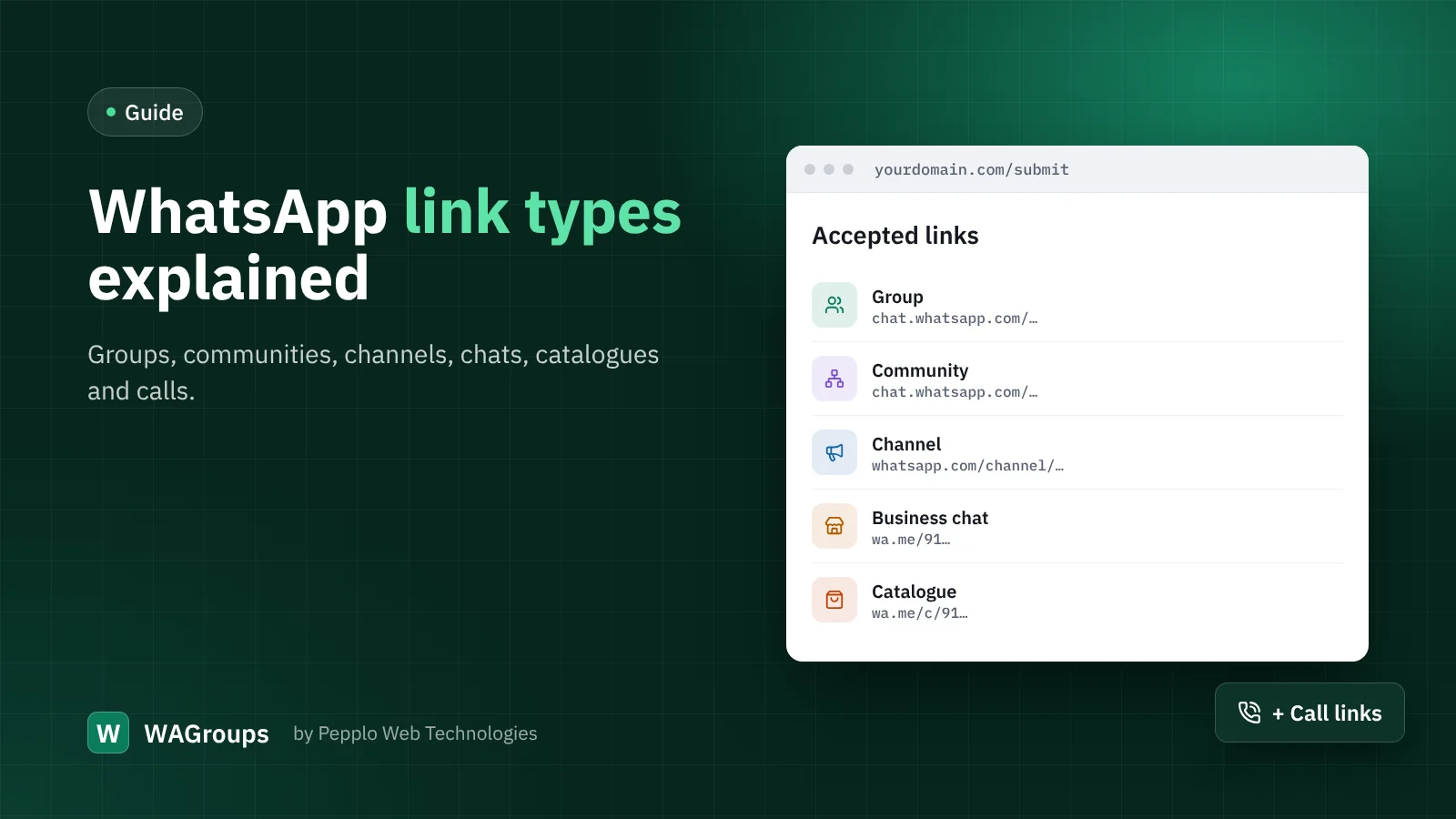
When WhatsApp directories started, there was only one kind of link worth listing: the group invite. Today visitors share six different kinds, and treating them all as "groups" confuses everyone. WAGroups recognises each type, gives it its own colour, icon and button, and lets visitors filter by it.
Group
An invite to a group chat where every member can write (unless the admins restrict it). The link starts with chat.whatsapp.com/ followed by an invite code. Group admins can reset the link at any time, which is why invites expire — the main reason directories need a health check.
Community
A community gathers several groups under one roof, with an announcement group for everyone. Community invites use the same chat.whatsapp.com address as groups, so WAGroups lets the submitter pick Community as the type, and the duplicate check still treats both as the same link.
Channel
A one-way broadcast that anyone can follow, without seeing other followers' numbers. Channel links look like whatsapp.com/channel/…. Channels show a follower count, which WAGroups reads when details are fetched. They are ideal for news, job alerts and creators.
Business chat
A click-to-chat link that opens a conversation with a phone number or a business: wa.me/919876543210, a short wa.me/message/… link or an api.whatsapp.com/send?phone= address. Listing these turns your directory into a local business guide — bakeries, tutors, repair shops.
Catalogue
A business account's product catalogue, at wa.me/c/ followed by the number. Great for shopping and deals categories.
Call link
A link that opens a voice or video call: call.whatsapp.com/voice/… or …/video/…. Useful for recurring study sessions, prayer meetings or community calls.
Beyond WhatsApp
The More Platforms extension adds Telegram, Discord, Signal and Facebook groups, each with its own type and page. You decide under Directory settings › Submissions which types your directory accepts.
How WAGroups handles them
- A pasted link is recognised and cleaned as soon as it is entered, and the matching type is chosen.
- Each type has its own browse page, colour and button text — Join group, Follow channel, Start chat.
- One link is stored once, whichever form it was pasted in.
- Developers can add their own types with a few lines of PHP through the
link.typesfilter.
0 comments