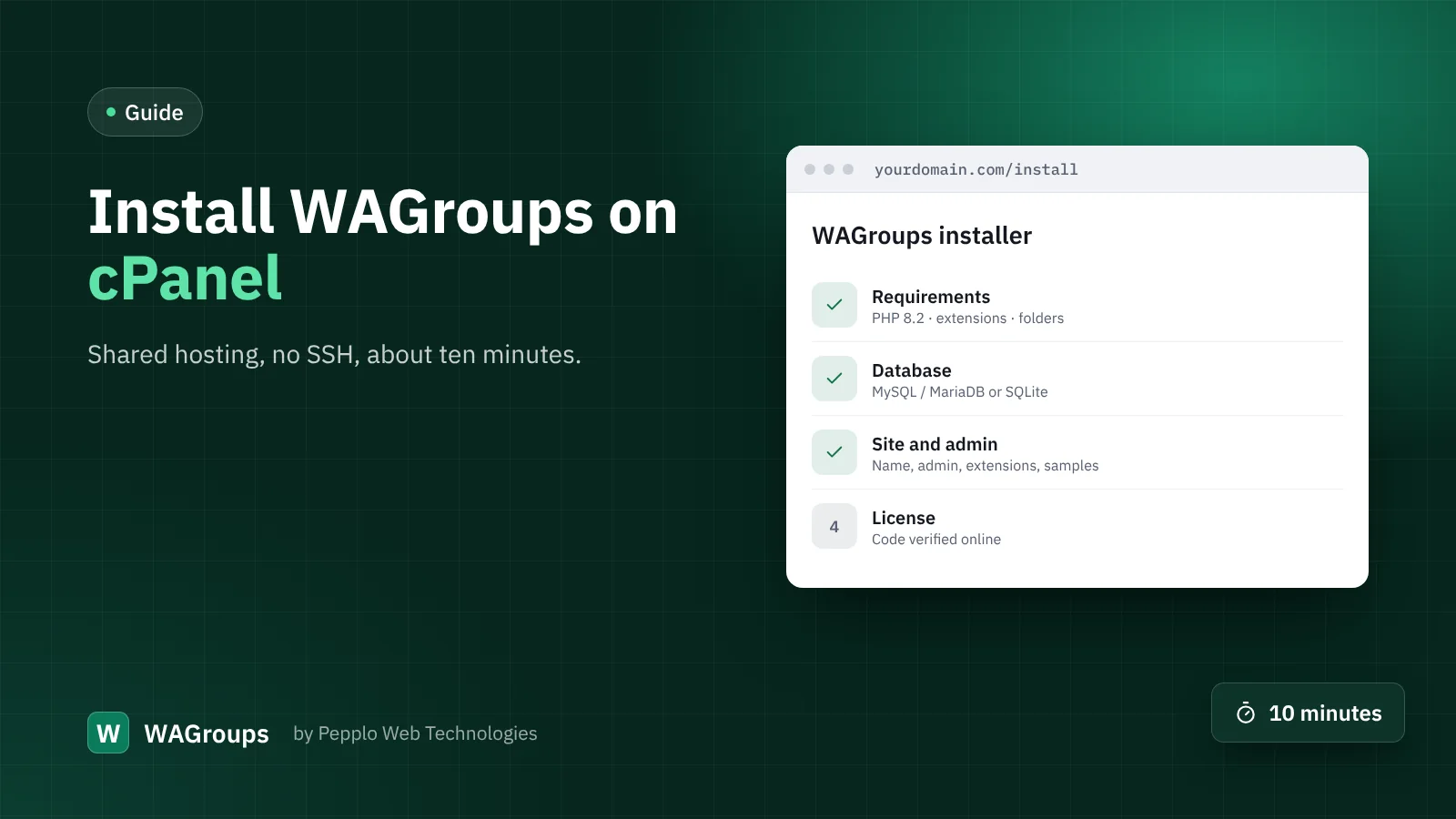
WAGroups is made to run on ordinary shared hosting. You do not need a VPS, SSH access or Composer: the zip contains every library. This guide walks through a cPanel installation from start to finish.
Before you start
- A domain or sub-domain pointing to your hosting, with SSL switched on.
- PHP 8.2 or newer — select it under cPanel › Select PHP Version or MultiPHP Manager.
- Your license code from My licenses in your client area.
- The latest zip from Downloads in your client area.
1. Create a database
Open cPanel › MySQL Databases. Create a database, create a user with a strong password, and add the user to the database with All privileges. Note the three names — cPanel adds your account name as a prefix.
2. Upload and extract
Open File Manager, go to public_html (or the folder of your sub-domain), upload the zip and choose Extract. You do not need to change the document root: the .htaccess file in the main folder sends requests to public/ and blocks the private folders. Make sure hidden files are shown so you can see it.
3. Run the installer
Open your domain in the browser. The installer starts by itself:
- Requirements — PHP version, extensions and writable folders are checked. Fix anything marked red and reload.
- Database — enter the database, user and password from step 1. Host is usually
localhost. - Site and admin — your site name and address, timezone, your admin account, the extensions to install and whether to add sample links.
- License — enter your license code and your name. The license is verified online and the site opens.
4. First settings
- Notification settings › Email setup — enter your SMTP details and send a test email. Until you do, emails go to a log file.
- Directory settings › Submissions — accepted link types, guest submissions, review queue, daily limits and blocked words.
- Categories — adjust the starter categories to your niche.
- Homepage sections — edit the headline and reorder the sections.
- Extension manager — switch on the extras you want.
- Links — when you are ready, remove the sample links with one click.
5. Optional: one cron job
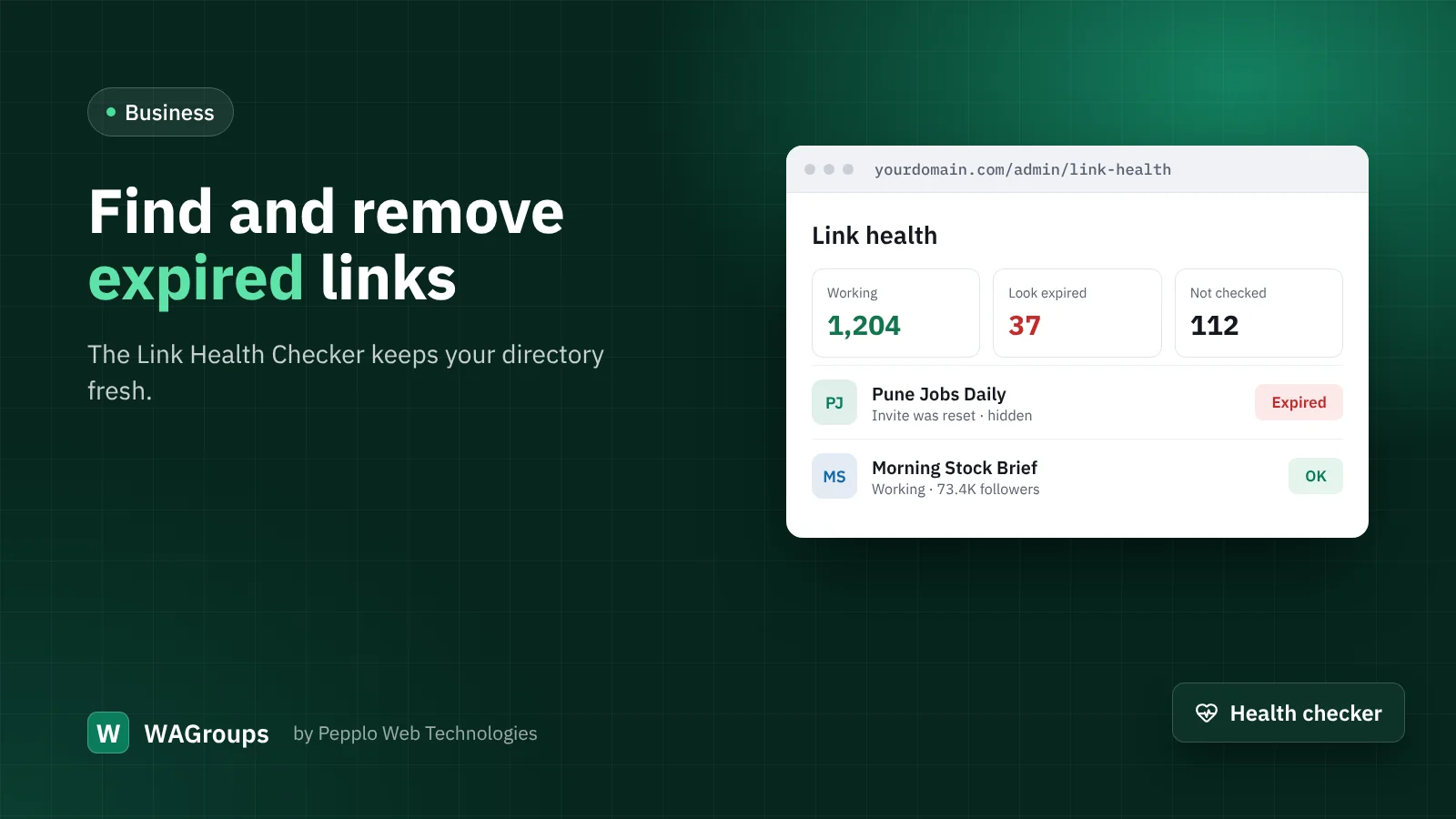
WAGroups needs no cron to work. To keep link health up to date automatically, add this hourly job under cPanel › Cron Jobs, with your own path:
0 * * * * php /home/USER/public_html/artisan links:check --limit=50Troubleshooting
- Error 500 or a blank page — check the PHP version and that
storageandbootstrap/cacheare writable. Details are instorage/logs. - Only the homepage works — the hidden
.htaccessfiles were not uploaded, or mod_rewrite is off. - License cannot be verified — your host must allow outgoing HTTPS. Check the code, and reset the old installation in your client area if you moved domains.
Prefer not to do it yourself? Add Professional installation when you order and our team will set everything up for you.
0 comments