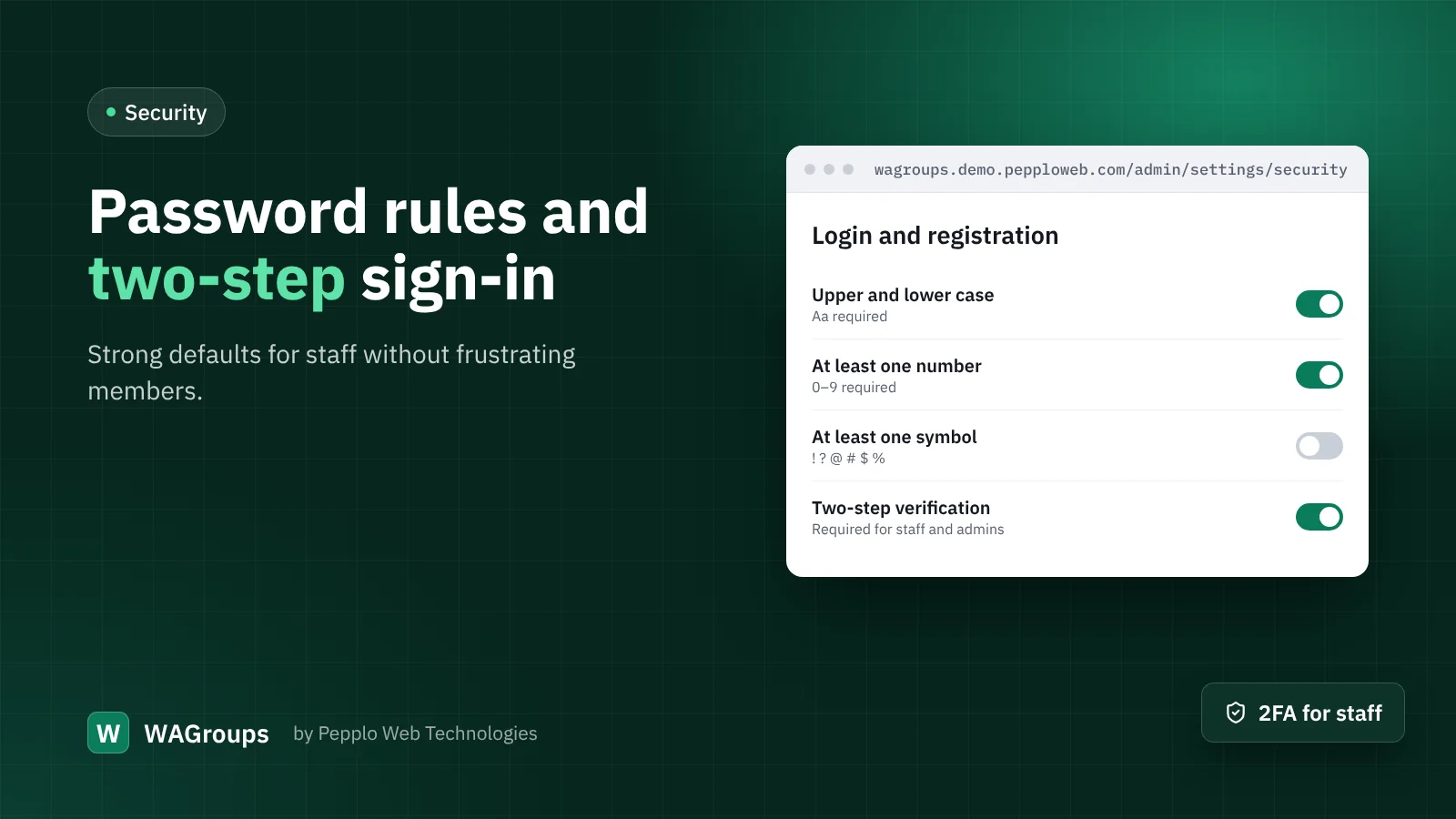
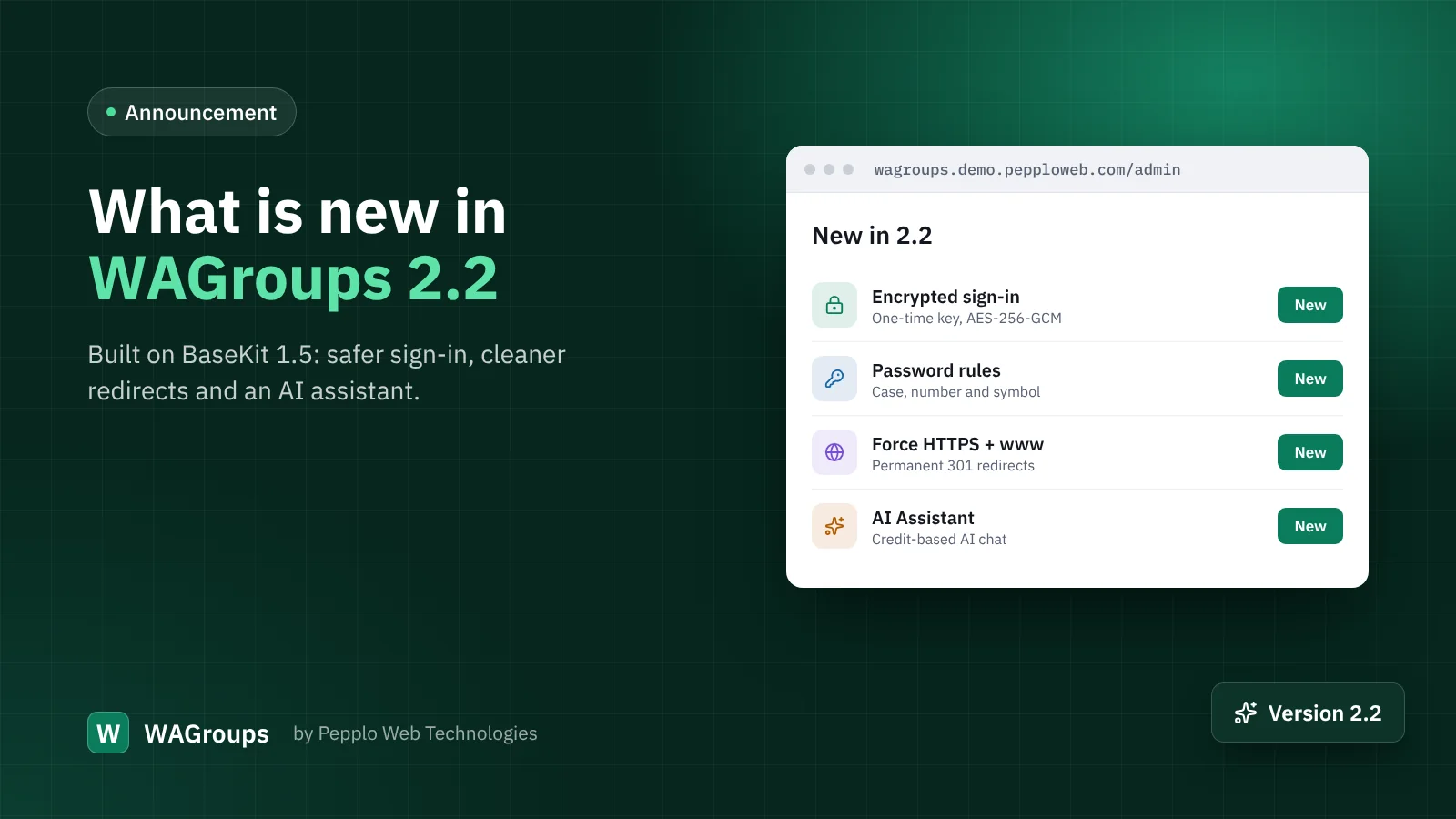
Your directory's admin panel controls every link, member and setting. Most break-ins do not come from clever hacking but from a reused or guessed password. WAGroups 2.2 gives you two tools to stop that: password rules and two-step verification.
Choosing password rules
Open Security and access › Login and registration. Next to the minimum length you will find three new switches: upper and lower case letters, at least one number, and at least one symbol.
- Length matters most. A minimum of 10 or 12 characters does more than any symbol rule.
- Do not overdo it for members. Strict rules on a public directory make people give up at registration. Length plus one number is a good balance.
- Rules apply to new passwords only. Existing members are not forced to change theirs; the rules apply the next time they choose one.
Two-step verification
Under Security and access › Two-step verification, switch it on and choose the methods: an authenticator app, an emailed code, or both. Then choose who must use it:
- Optional — anyone can turn it on in their account.
- Staff and admins — the right default for most directories.
- Everyone — for private or paid communities.
Each person gets one-time recovery codes when they set it up. Ask your moderators to keep them somewhere safe, away from their phone.
A sensible setup in five minutes
- Minimum password length 10, require a number.
- Two-step verification required for staff and admins, authenticator app and email allowed.
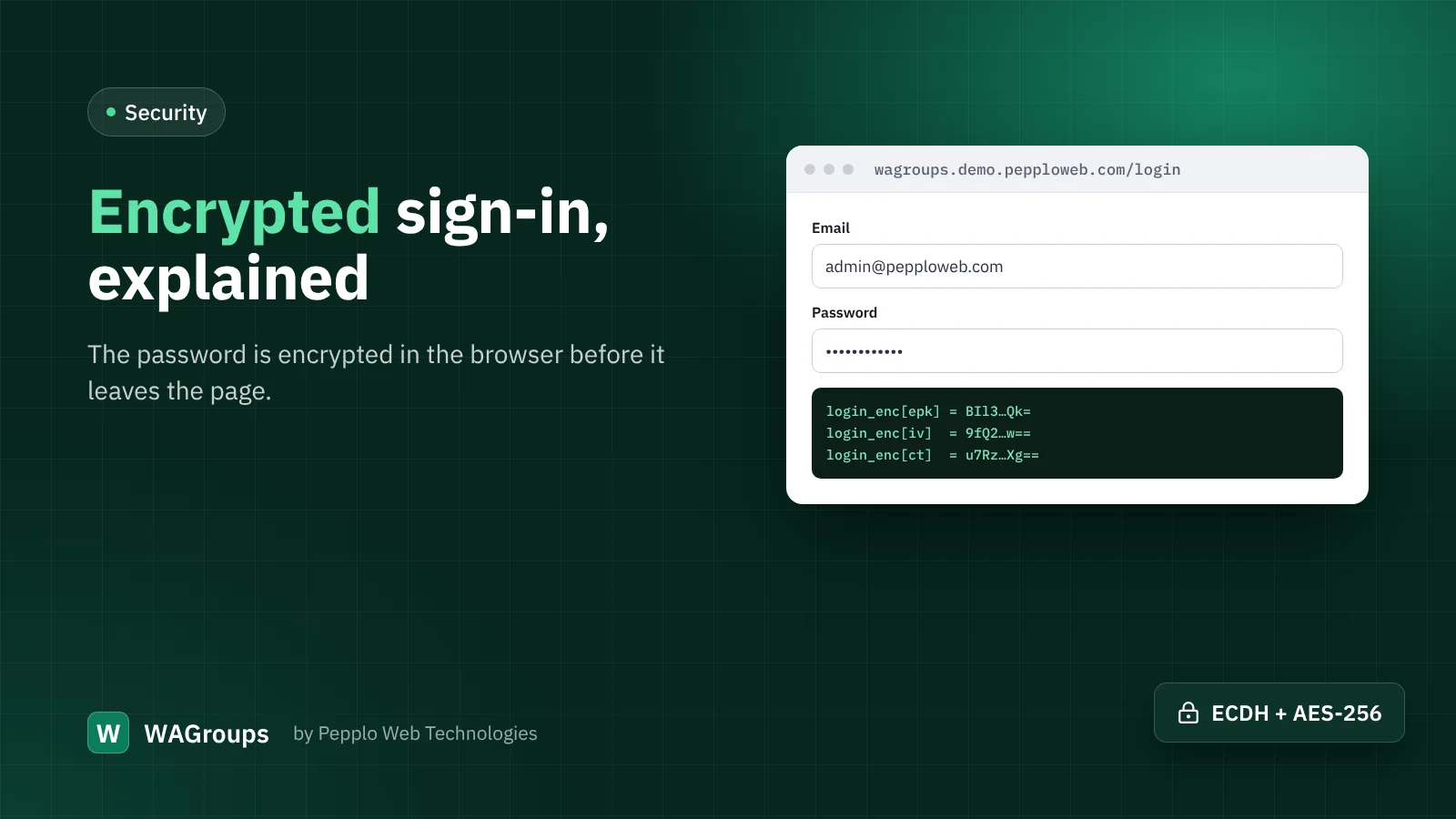
- Encrypted sign-in on (the default).
- Login lock-out after five failed attempts.
- The Security extension's single active session, so signing in on a new device signs out a forgotten browser elsewhere.
That is all it takes to make your panel far harder to break into than the average website.
0 comments