Every open directory attracts the same visitors sooner or later: people pasting the same link ten times, "earn money daily" scams, adult groups in the wrong category and links that expired last week. Good moderation is what separates a directory people trust from one they leave. WAGroups gives you the tools; here is how to use them.
Start with a review queue
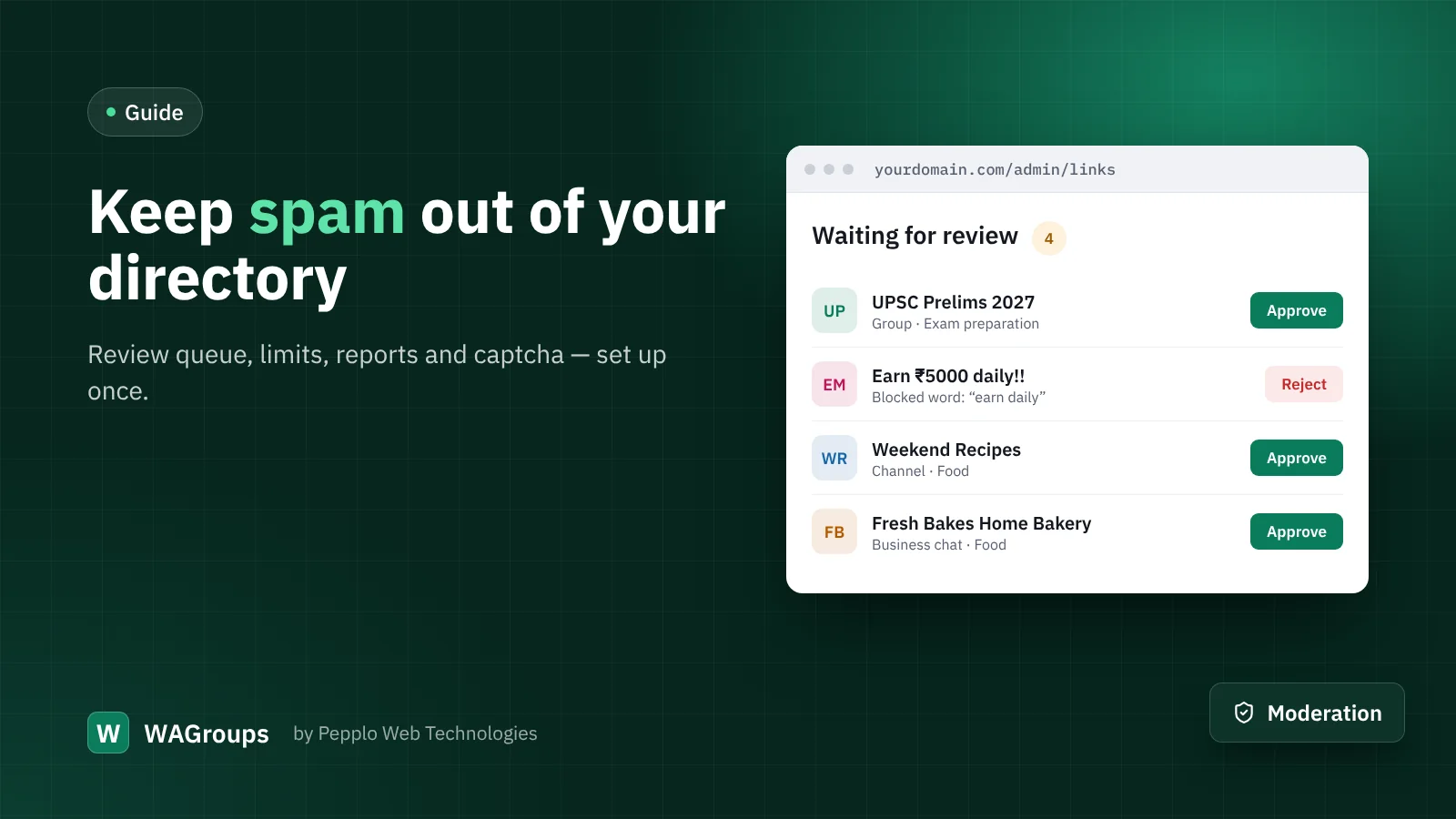
Under Directory settings › Submissions, set Publish new links to after a moderator approves them. Every new link then waits in Admin › Links › Waiting for review. Approve, reject with a reason the submitter can read, or tick several links and handle them at once. Once you know your regular submitters, you can let members publish straight away and keep only guests in the queue.
Switch on Review links again after the owner edits them so that nobody can get an innocent link approved and then turn it into something else.
Set limits
- Links per person per day — counted per account, or per IP address for guests. Five to ten is plenty for honest users.
- Blocked words — one per line. Submissions containing them are refused with a clear message.
- A category must be chosen and a description is required — both raise the quality of what you receive.
- Captcha — protect the submit, register, login and contact forms with the built-in image captcha or Google reCAPTCHA.
Duplicates are handled for you
WAGroups recognises the invite code inside each link, whatever form it was pasted in, and keeps one entry per link — even across link types. You never have to search for duplicates by hand.
Let visitors help
Each link page has a Report this link form with eight reasons, from "expired" to "illegal content or scam". Reports appear under Admin › Reports, where you dismiss them or hide the link. With Hide a link after this many open reports set to three, a bad link disappears by itself before you even see it.
Keep adult content separate
Mark categories and individual links as 18+. While List links and categories marked as adult is off, they stay hidden from the public site. Many ad networks also require this separation, and the Ad Manager can skip adult pages entirely.
Clean up dead links
Expired invites are not spam, but they frustrate visitors just as much. The Link Health Checker re-reads each link's preview page and hides the ones that no longer work. More on that in our article on dead links.
A five-minute daily routine
- Open the dashboard: it shows links waiting, open reports and link health.
- Clear the review queue with bulk approve and reject.
- Handle open reports.
- Feature one or two great new links to reward good submitters.


0 comments