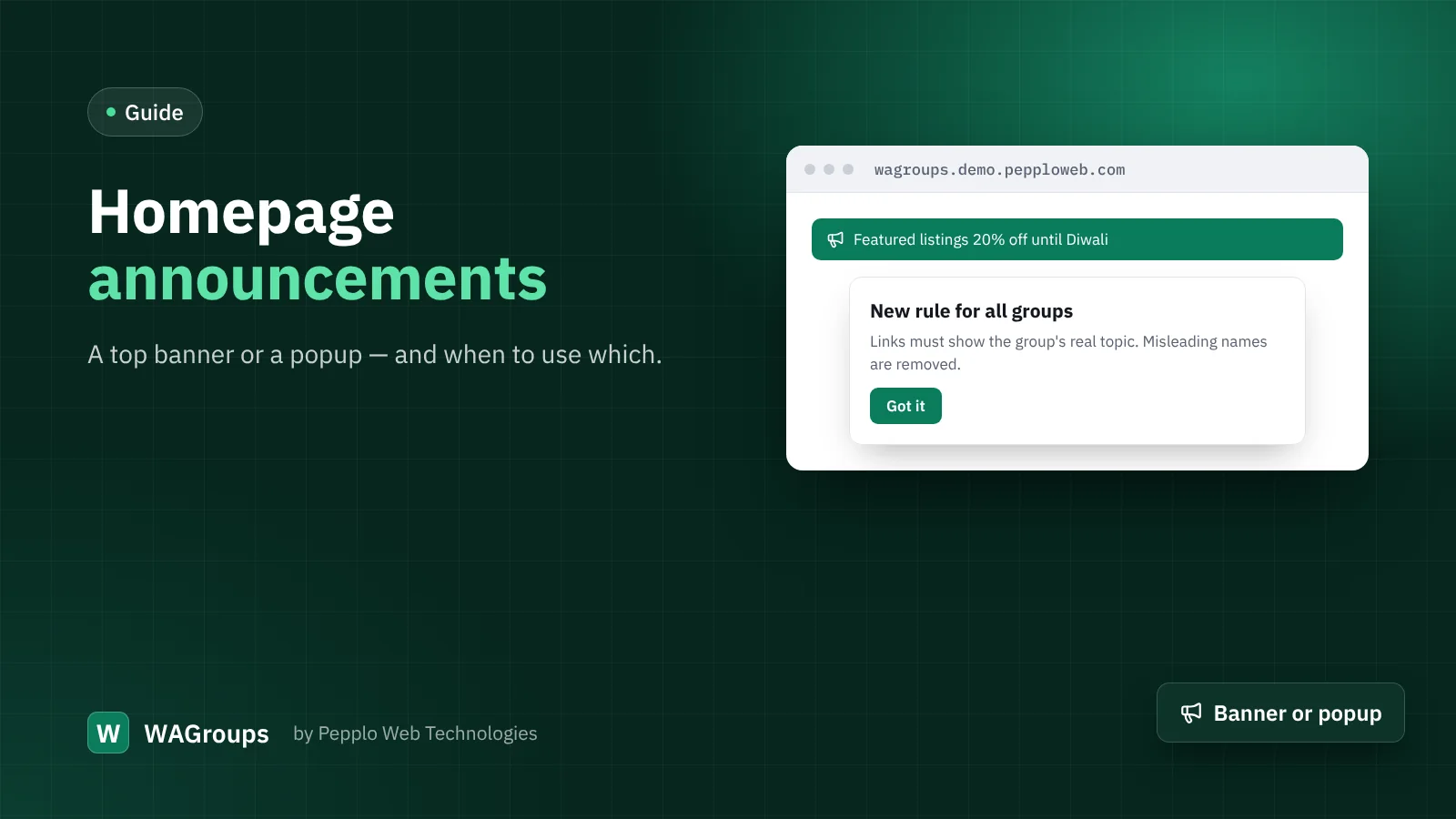
Announcements in WAGroups used to live in the member and staff dashboards. From version 2.2 you can also show them to every visitor on the homepage — as a slim top banner or as a popup. Both are useful; both can annoy if overused.
Creating one
- Open Admin › Announcements and click New announcement.
- Write a short title and message, pick a style (info, success, warning or danger) and the audience "Everyone".
- Switch on Show on homepage and choose Top banner or Popup.
- Optionally set a start and end date so it disappears by itself.
Use a banner for…
- planned maintenance ("Submissions pause on Sunday from 2 to 3 AM");
- a new category or link type;
- a running offer on featured listings.
Banners are quiet: visitors can read them or ignore them, and they do not block anything.
Use a popup for…
- important rule changes everyone must see;
- a safety warning about a scam going around;
- a once-a-year event, such as a festival sale.
Popups interrupt, so keep them rare, short and easy to close. One popup at a time is plenty.
Good habits
- Always set an end date. Old announcements make a site look abandoned.
- Keep the message under two sentences and link to a blog post for details.
- Test on a phone: most directory visitors arrive on mobile.
0 comments