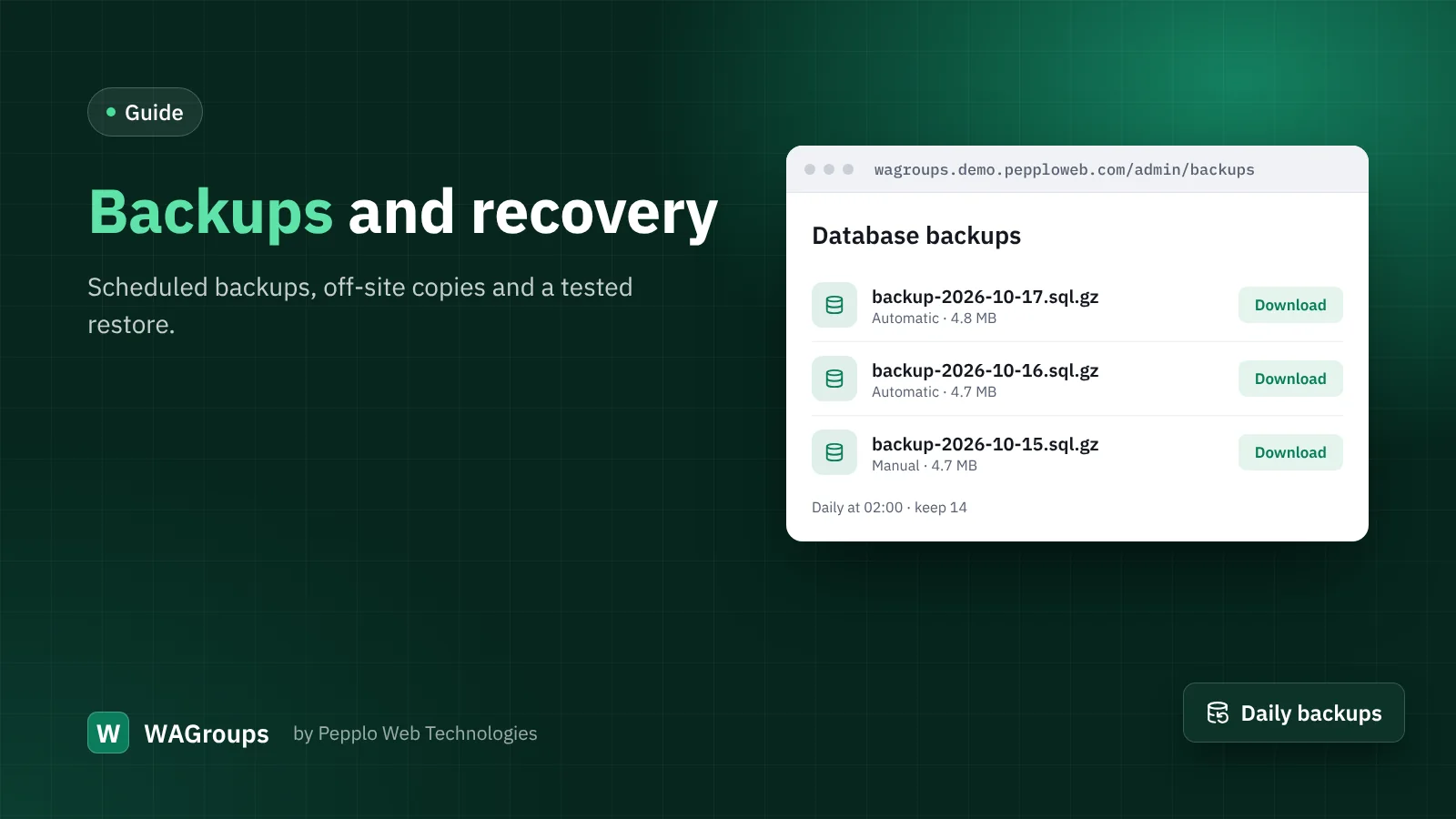
Hosting accounts get suspended, servers fail and people make mistakes. A directory with years of links is too valuable to lose. A backup plan takes fifteen minutes to set up.
What to back up
- The database — links, members, settings, everything.
- The uploads folder (
public/uploads) — link pictures, logos, blog covers. - The
.envfile — it holds the encryption key. Without it, encrypted settings cannot be read on a new server.
Automatic database backups
Open Admin › Database backups › Backup settings, switch on automatic backups and choose how often (daily is right for most directories) and how many to keep. Add the scheduler cron line shown on the page. Backups are compressed SQL files that work with MySQL, MariaDB and SQLite.
Keep a copy somewhere else
A backup on the same server does not help if the server is gone. Once a week, download the latest backup and a zip of public/uploads to your computer or cloud storage. Many hosting panels, including DOMAINSROCK hosting, can also take full account backups on their own schedule.
Restoring on a new server
- Upload the same WAGroups version and your
.envfile. - Create a database and import the backup with phpMyAdmin or the command line.
- Update the database details in
.envif they changed. - Copy
public/uploadsback. - Point the domain to the new server. The license works because the domain is the same.
Practise a restore once on a test sub-domain. The day you need it, you will be glad you did.

0 comments