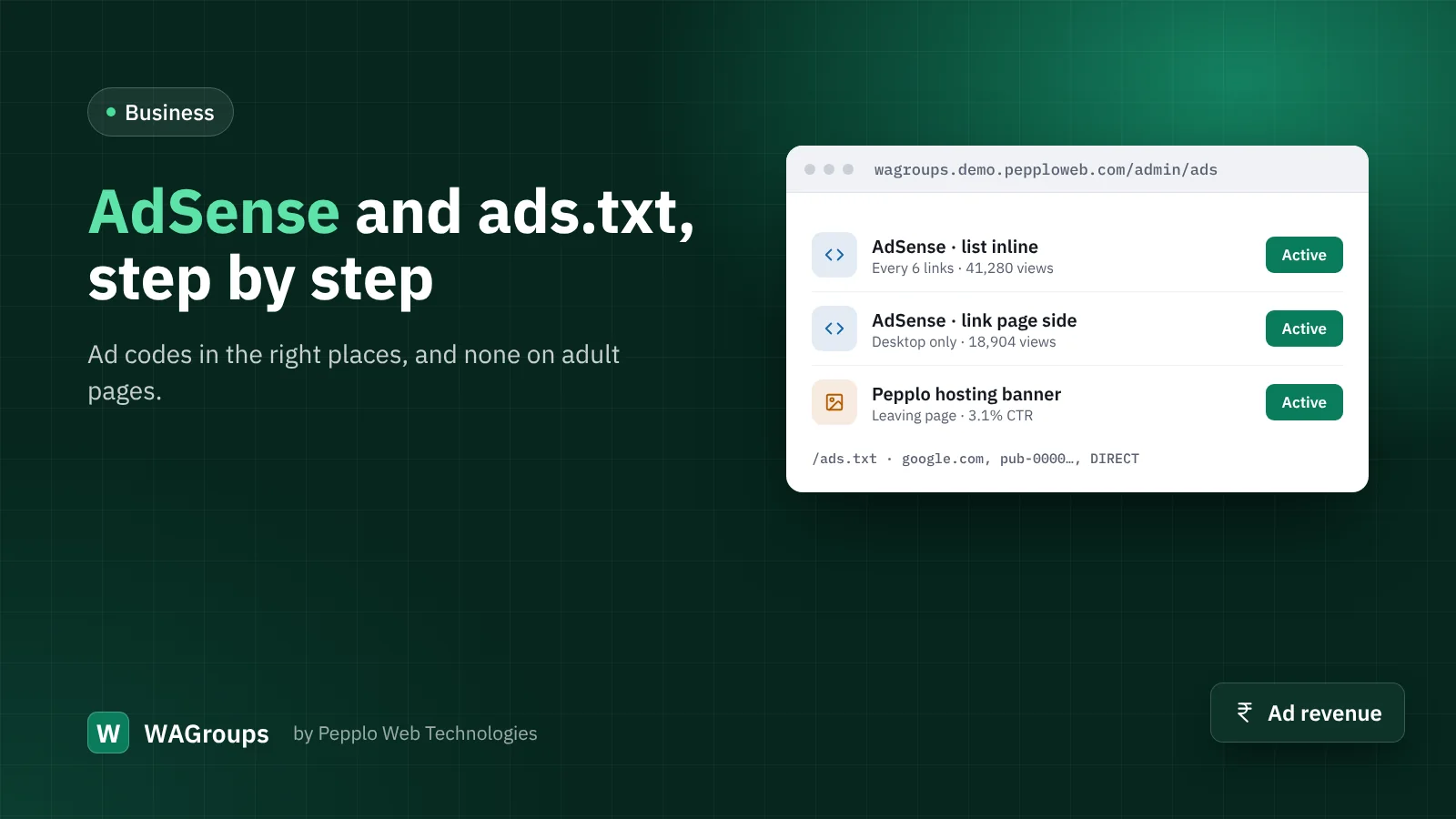
Advertising is the simplest way to earn from a directory with steady traffic. WAGroups' Ad Manager accepts both your own image banners and ad-network code such as Google AdSense. Here is a clean setup.
1. Get approved
Ad networks want original, useful content and clear policies. Before applying, make sure you have category pages with real text, a privacy policy and terms of use (WAGroups ships with templates), and a contact page. Remove or hide categories that would not pass the network's rules.
2. Publish ads.txt
Open SEO settings › Indexing and sitemap and paste the line your network gives you into ads.txt, for example google.com, pub-0000000000000000, DIRECT, f08c47fec0942fa0. WAGroups serves it at /ads.txt.
3. Add the code
In Admin › Ads create an advert of type Code and paste the ad unit. Good starting placements for a directory:
- Inside link lists — after every few links on browse and category pages.
- Link page side — next to the link details on desktop.
- Leaving page — visitors wait a few seconds there anyway.
Ad codes contain scripts. WAGroups' firewall knows the ad code field is meant for that and lets it through — only admins can edit it.
4. Respect your visitors
- Switch on No ads on adult pages — most networks forbid them there.
- Consider no ads for members as a perk for people who submit links.
- Use the cookie-consent banner so analytics and personalised ads only load after consent where the law requires it.
5. Measure
The Ad Manager counts impressions and clicks per advert. Compare placements after a month and remove the ones that earn little but slow pages down.
0 comments