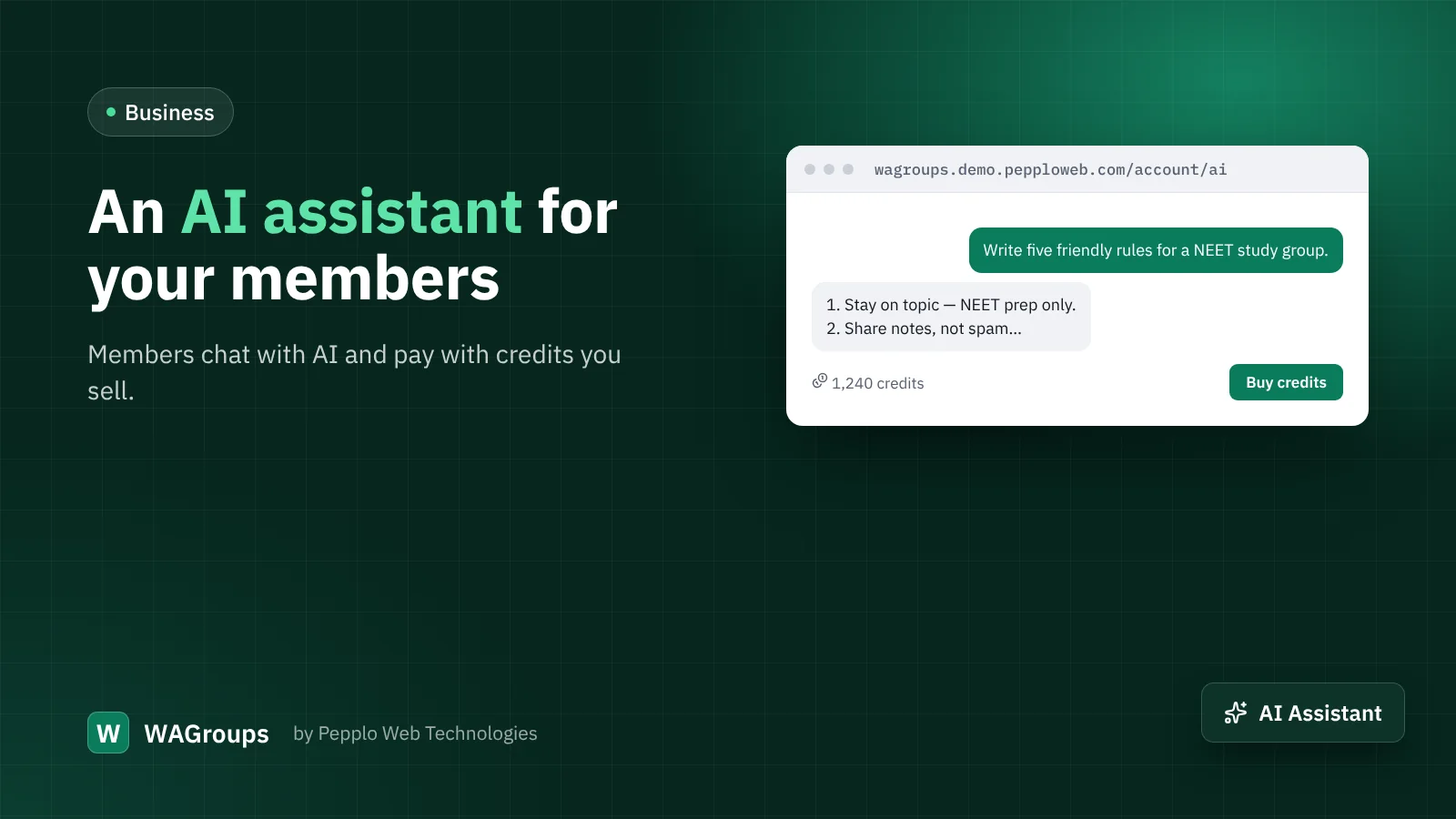
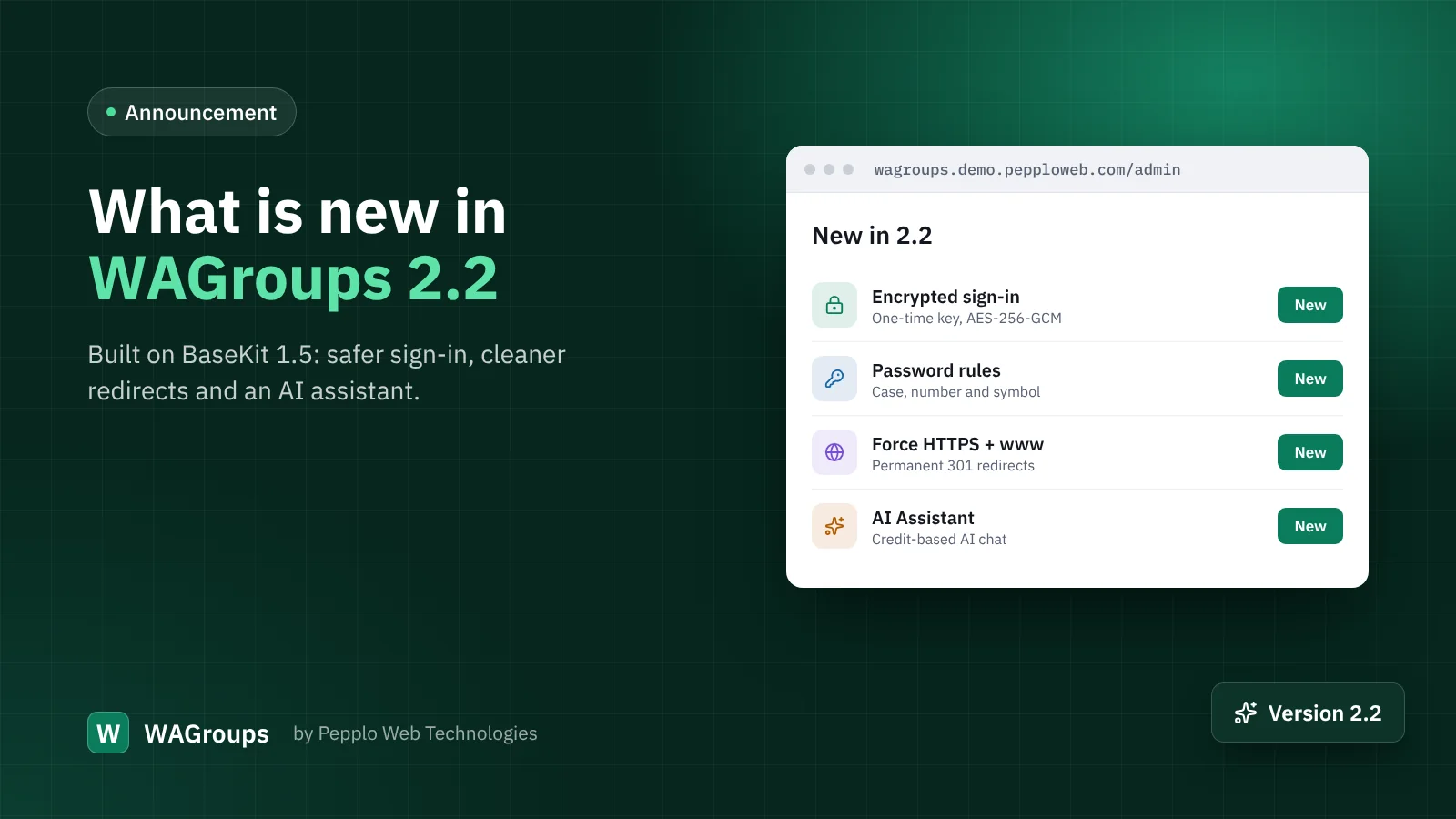
Group admins spend a lot of time writing: group rules, welcome messages, descriptions, posts for their channels. The new AI Assistant extension in WAGroups 2.2 gives your members an AI chat right inside their account — and gives you a new product to sell.
What members get
- A clean chat screen with their conversation history, which they can rename or delete.
- A choice of models, if you allow more than one.
- A credit balance that goes down with use, metered by tokens, and a page with credit packages.
What you control
- The provider and API key. Enter your own key; usage is billed to your account with the provider.
- Prices. Set how many credits a thousand tokens cost for each model, so every message has a margin.
- Packages. Create credit packages with a name, credits and price.
- Top-ups and a sign-up bonus. Add credits to any member by hand, and optionally give new members free credits to try it.
- Oversight. Admins can see conversations and usage per member.
Ideas that work for directories
- "Write group rules for a study group about the UPSC exam."
- "Turn this description into a friendly welcome message in Hindi and English."
- "Suggest ten names for a channel about home baking."
Mention these on your submit page and in your blog, and members discover the assistant right when they need it.
Getting started
Install the extension under Admin › Extension manager, add your API key, models and prices in the extension's settings, create two or three packages under Admin › AI Assistant and switch on the menu link. Until you connect a payment gateway, the Buy button lets members contact you, and you add their credits after payment — the same simple flow as featured listings.
0 comments